Getting started
Create your first project in 30 seconds
MasterGantt is a single HTML file. No installation, no account. Open it in your browser and you're good to go.
1. Open MasterGantt
1
Download
mastergantt.html or open it directly from the website.2
Double-click the file — it opens in your default browser.
2. Create a project
1
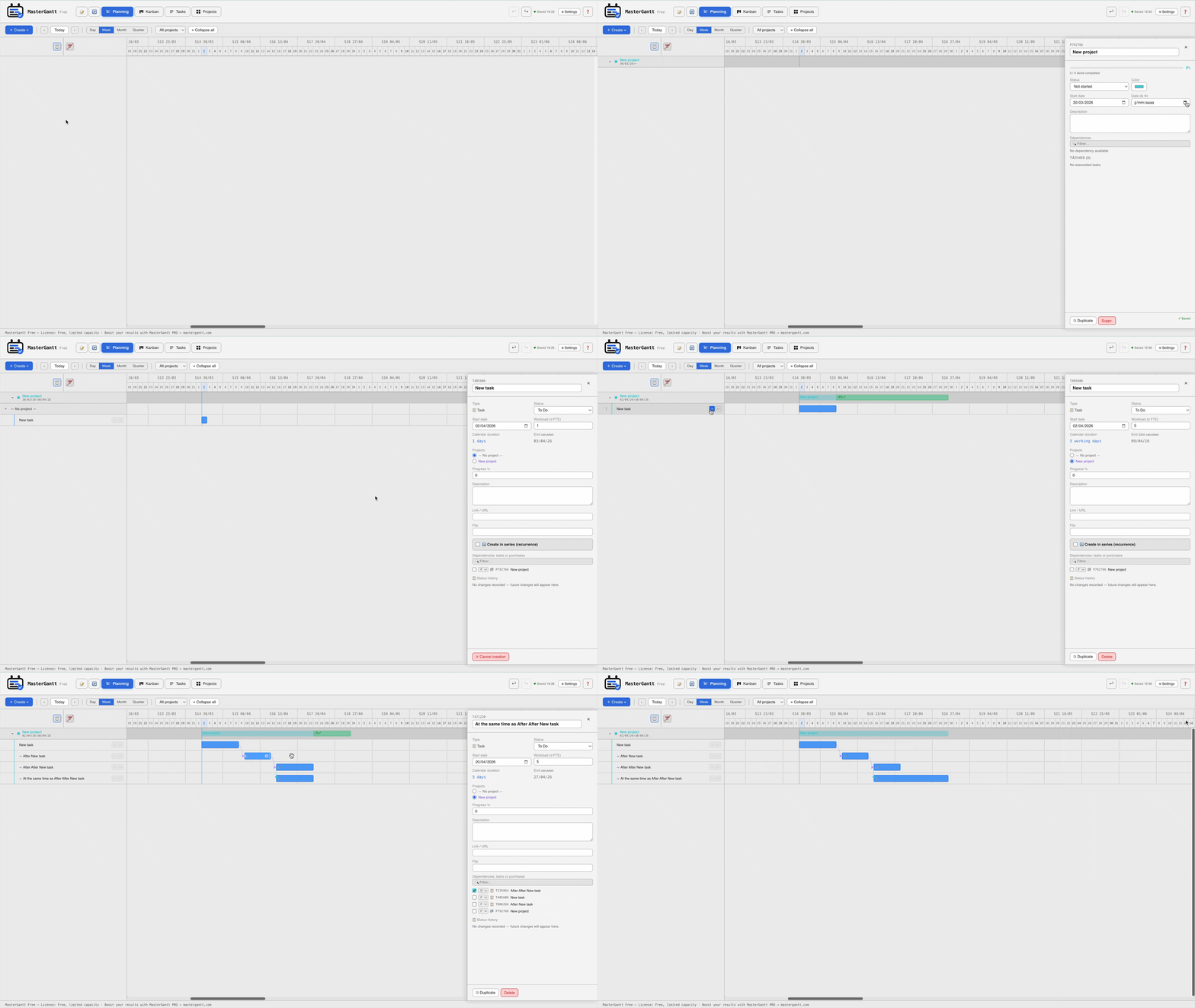
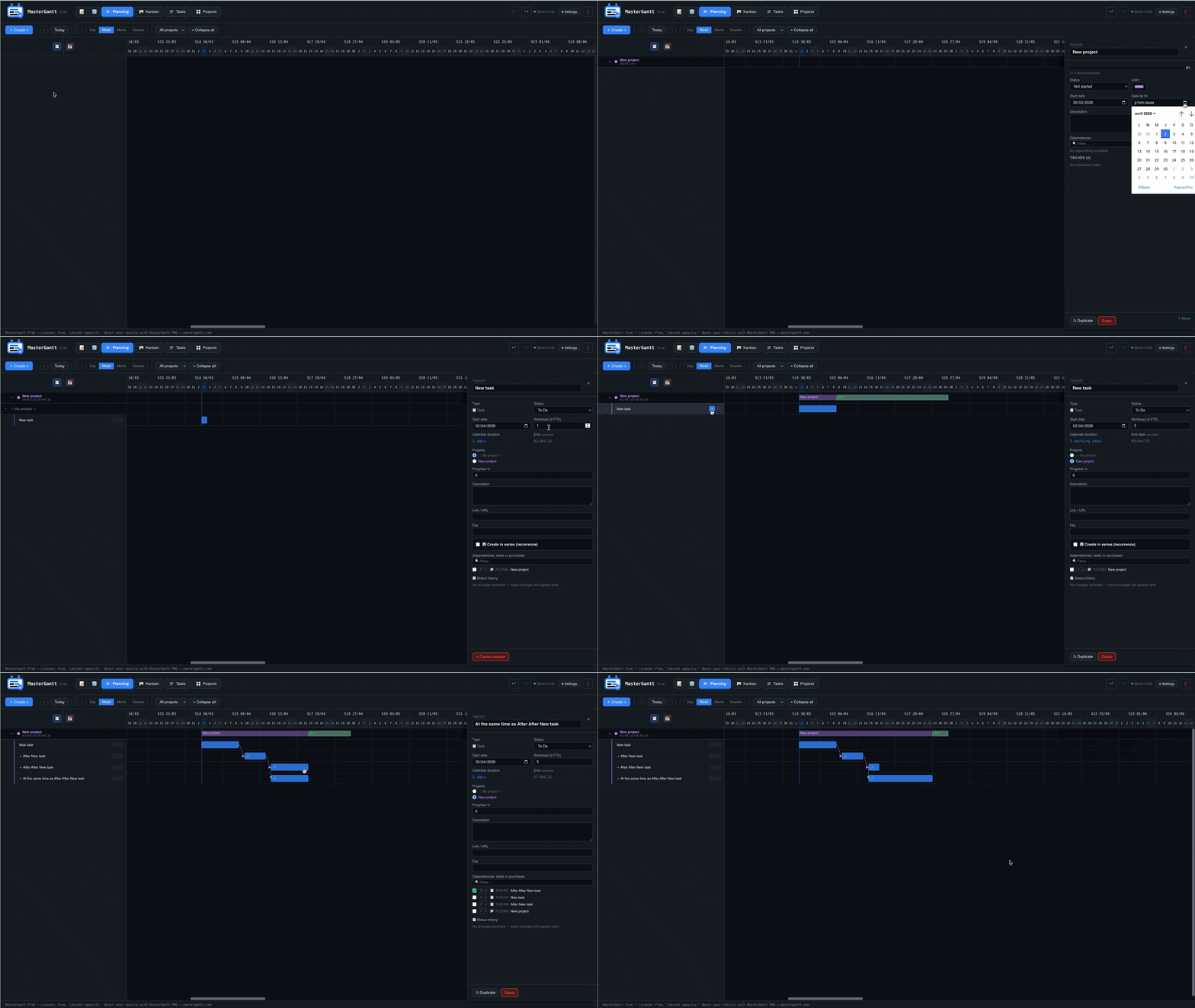
Click the + Create button in the top left.
2
Choose Project from the menu.
3
Name your project, pick a color, click Save.
3. Add tasks
1
In the Gantt view, click + Create > Task.
2
Fill in the name, start date, and workload (in days).
3
Assign the project and save.
That's it! Your first project is created with its tasks. Explore the Kanban and Reports views for comprehensive tracking.