Prepare a Gantt workshop for your students
The problem
Your students need to learn project planning — but MS Project is expensive, ProjeQtor requires a server, and Asana/Monday don't offer a real Gantt chart.
You need a tool that is free, works without installation, that you can distribute like a PDF, and that lets your students collaborate in real time during the workshop.
What you'll do
In 5 steps, you'll prepare a planning exercise, distribute it to your students, and observe their work live — all without a server, without accounts, without IT support.
Step 1 — Prepare the template project
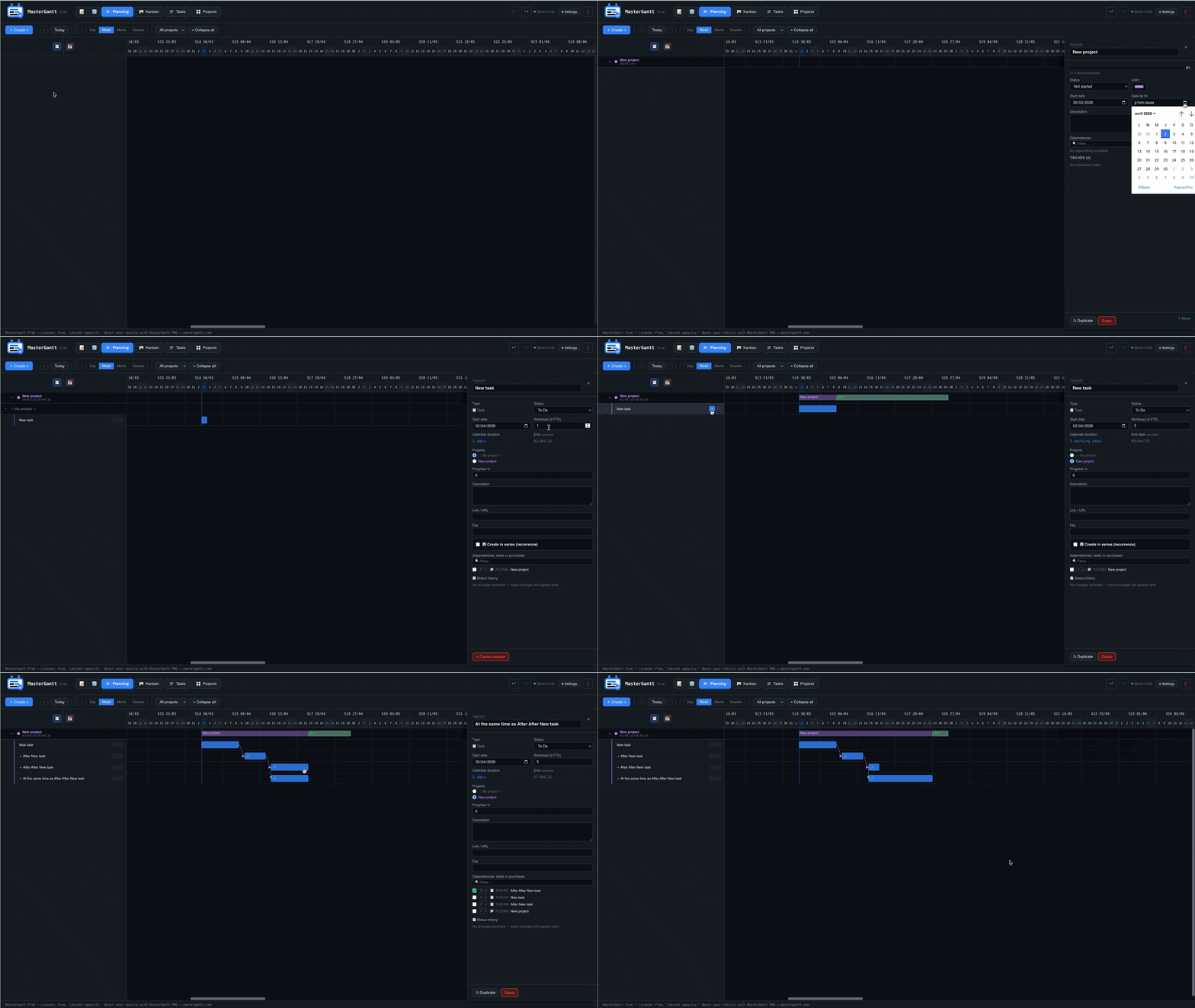
Open MasterGantt and create the project your students will need to plan. Add tasks, resources, dependencies — or leave it empty with just the assignment brief.
mastergantt.html in your browser.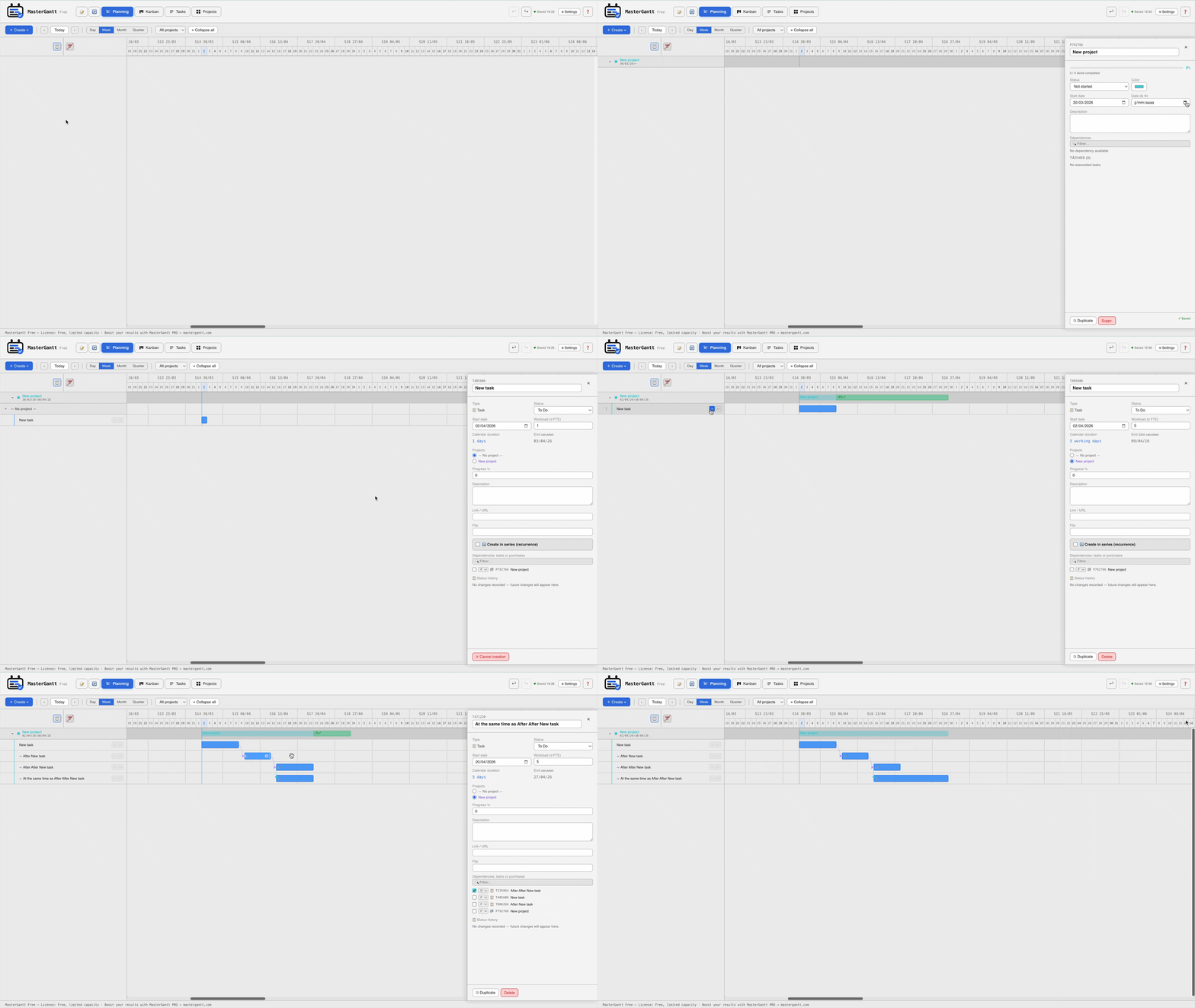
Step 2 — Distribute the file
MasterGantt is a single HTML file. Distribute it like you would a PDF — via Moodle, email, or a USB drive.
Option A: Moodle / LMS
mastergantt.html + the template JSON file to your Moodle course.Option B: Email
Option C: USB drive / local network
Step 3 — Launch the collaboration room
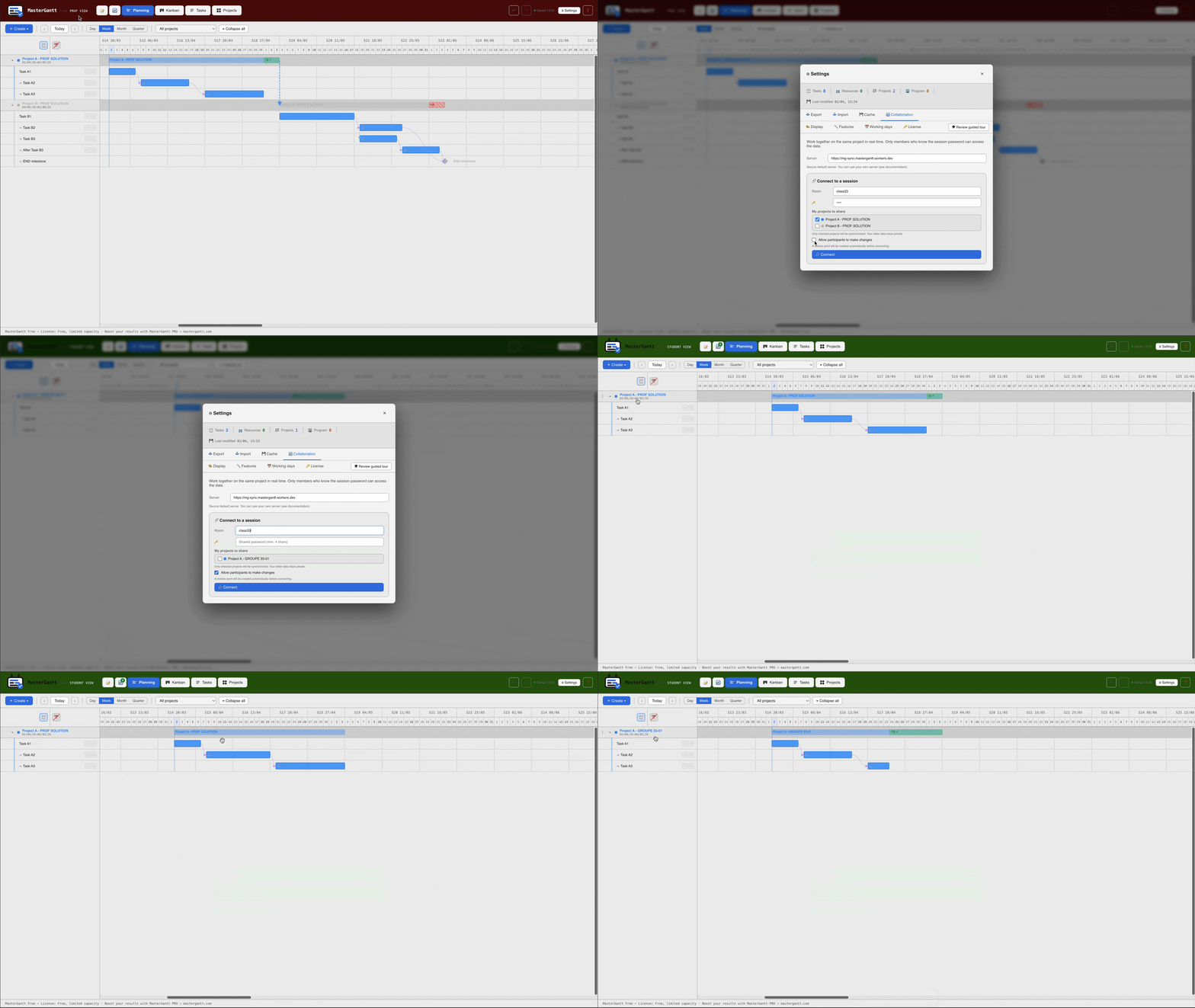
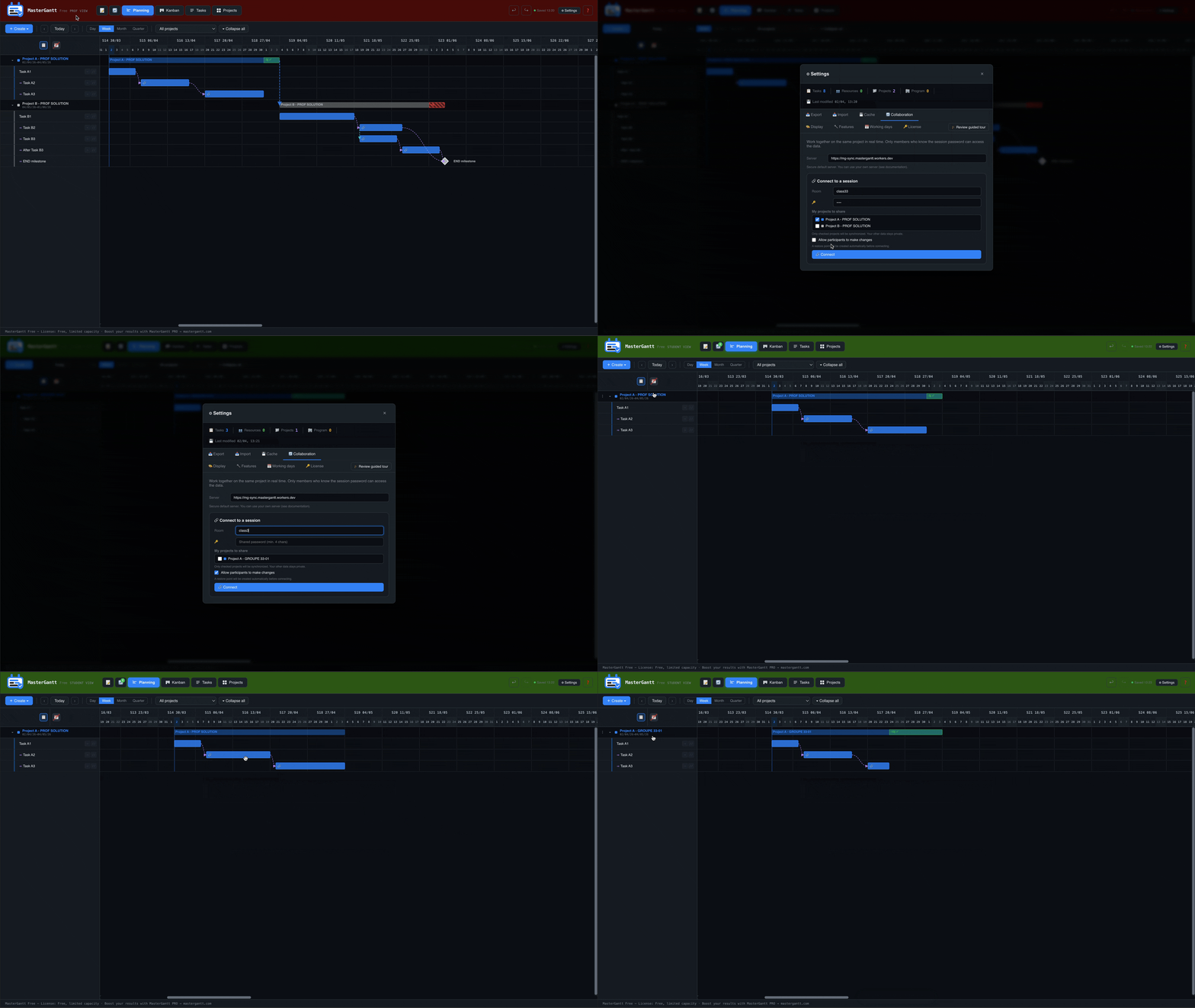
MasterGantt supports real-time collaboration between students. Each group can work on the same schedule simultaneously.
Gantt-Workshop-Group1, password = your choice.
Step 4 — Observe live
As a teacher, you can join your students' rooms in read-only mode and observe their work in real time.
Step 5 — Grade
Two options for grading:
Option A: Annotate live
Option B: Export and compare
💬 FAQ — Common IT department questions
Cloudflare is blocked on my network?
The collaboration server (Cloudflare Worker) can be deployed on your own infrastructure. See the deployment guide (6 steps, ~10 min).
Does data pass through a server?
The HTML file works 100% offline. Collaboration uses a WebSocket server, but all data is end-to-end encrypted (AES-256-GCM). The server only sees opaque blobs.
Do accounts need to be created?
No. No accounts, no sign-up, no personal data collected. Students open the file and start working.
Is it GDPR compliant?
Data stays in each student's browser (localStorage). Nothing is transmitted except in collaboration mode, and in that case it's encrypted. No personal data is processed.
Ready to try?
MasterGantt is free, no sign-up, no installation. Download it and prepare your first workshop in 5 minutes.
Download MasterGantt Free